The Real Cost of a Slow Website in 2026 – And How to Fix It Without Hiring Anyone
The Real Cost of a Slow Website in 2026 – And How to Fix It Without Hiring Anyone
Let Me Tell You What a Slow Site Actually Costs
I have a friend who sells handmade furniture online. Not cheap stuff—custom tables, chairs, the kind of thing people save up for.
His website was slow. Not painfully slow on a good wifi connection. But on a phone, on 4G, waiting for product images to load? Painful. He knew it was slow. He just didn't think it mattered that much.
Then he ran a sale last fall. Sent an email to his list. Got decent traffic. And almost nobody bought anything.
He pulled up his analytics and saw the truth. People were landing on his product pages, waiting three or four seconds for images to load, and leaving. Dozens of people. Hundreds. Each one a potential sale between five hundred and two thousand dollars.
He didn't lose a few sales. He lost thousands of dollars in one weekend. Because his site was slow.
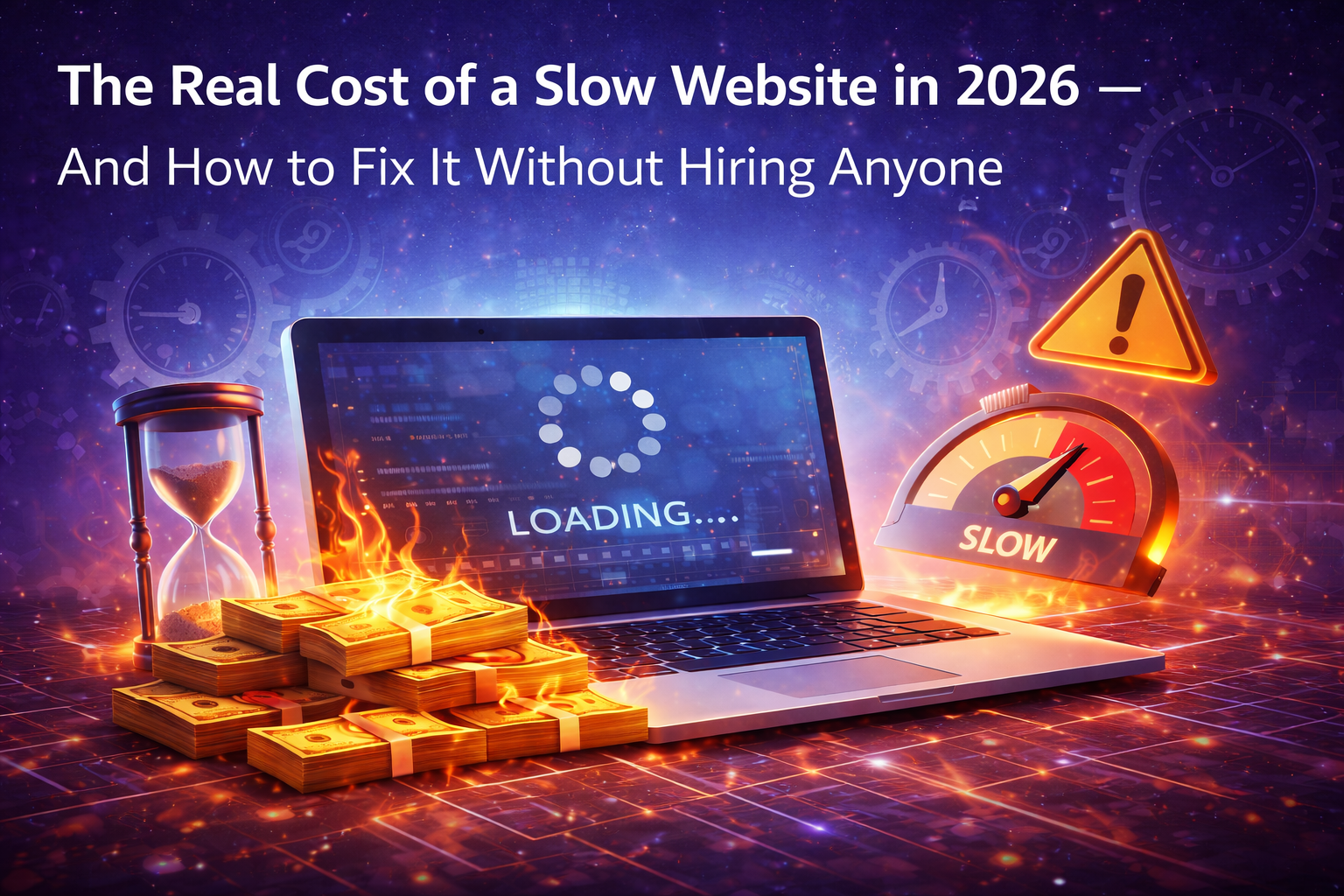
That's the thing nobody tells you about website speed. It's not a technical problem. It's a money problem.
What Slow Actually Costs in 2026
I'm going to give you some numbers. Not to scare you. Just so you know what's at stake.
Every second your site takes to load, you lose about ten percent of your visitors. That's not my opinion. That's been tested over and over by people much smarter than me.
So let's say you get a thousand visitors a month. If your site loads in one second, you keep most of them. If it loads in three seconds, you lose about two hundred of those visitors before they even see what you offer. If it loads in five seconds? You lose half. Five hundred people gone every month.
Now multiply that by whatever a visitor is worth to you. For an online store, that's direct lost sales. For a service business, that's fewer contact form submissions. For a blog, that's less ad revenue and fewer email signups.
I had another friend with a small HVAC business. His site was slow on mobile. He didn't think it mattered because most people found him through Google and called him directly. But then he checked his analytics and realized that twenty percent of his mobile traffic was bouncing before the phone number even loaded. Twenty percent. He was literally paying for Google Ads clicks that never turned into calls because his site was too slow to show his number.
He fixed his load time. His call volume went up. Same ad spend. More calls. That's the cost of slow right there.
Why 2026 Is Different Than 2024
You might be thinking "my site was fine last year." Yeah, it probably was.
But here's what changed.
First, phones keep getting faster, but expectations keep getting higher. A load time that felt okay in 2024 feels annoying in 2026 because people are used to everything being instant.
Second, Google made Core Web Vitals a bigger ranking factor. Not just for desktop. For mobile. So being slow doesn't just lose you customers. It loses you the chance to be found in the first place.
Third, attention spans somehow got even shorter. I didn't think it was possible either. But data shows that if your site takes more than 2.5 seconds to load on mobile, more than half your visitors are gone. Two and a half seconds. That's nothing.
The Three Things That Make Most Sites Slow
Before you can fix slow, you need to know what's causing it. And honestly, it's almost always the same three things.
Huge images. Someone takes a photo on their phone, which is like twelve megabytes these days, and uploads it straight to their site. Then every visitor has to download that entire twelve megabyte file. On a slow connection, that's forever. I've seen product pages with five or six of these huge images. That's sixty megabytes just to show a table. Ridiculous.
Too many scripts. Every little thing you add to your site—analytics, chat widgets, Facebook pixel, Google Tag Manager, hotjar, cookie consent banners, embedded YouTube videos—each one loads code. Each one takes time. Most sites have ten or fifteen of these things running at once. Half of them aren't even being used.
Cheap hosting. I hate saying this because I know budgets are tight. But if you're paying three dollars a month for hosting, your site is going to be slow. Shared hosting means your site is sharing a server with hundreds of other sites. When one of them gets a traffic spike, your site slows down too. You don't need expensive hosting. But you need hosting that isn't garbage.
How to Diagnose What's Slowing You Down (Free Tools)
You don't need to guess. There are free tools that will tell you exactly what's wrong.
Google PageSpeed Insights. This is the one I use first. You put in your URL and it gives you a score out of one hundred for mobile and desktop. Then it tells you exactly what to fix. "Compress these images." "Remove this JavaScript." "Fix this render-blocking resource." It even shows you which specific files are causing problems. Free. No signup.
GTmetrix. Similar to PageSpeed but gives you a different view. I like their waterfall chart that shows you exactly how long each thing on your page takes to load. You can see at a glance that your hero image is taking three seconds or that your chat widget is adding two seconds of delay. Free tier is fine for most people.
Lighthouse. This is built right into Chrome. Open your site, right click, go to Inspect, click the Lighthouse tab, and run a report. It tests performance, accessibility, SEO, everything. Takes two minutes. Tells you what's broken.
I run all three of these on every site I work on. They take ten minutes total. And they give you a clear list of exactly what to fix. No guessing. No hiring anyone.
How to Fix Slow Images Without Any Software
Images are the number one problem on almost every slow site. The good news is they're also the easiest to fix.
Step one: Find your biggest images. PageSpeed Insights will tell you exactly which images are too large. Or you can just look at your site and guess—usually it's hero images, product photos, or background images.
Step two: Compress them. You don't need Photoshop. Go to Squoosh.app or TinyPNG.com. Upload your image. Download a compressed version. I've seen images go from five megabytes to two hundred kilobytes with no visible difference. That's a ninety percent reduction.
Step three: Use WebP instead of JPEG. WebP is a newer image format that's way smaller than JPEG. Most free compression tools will convert to WebP for you. Every modern browser supports it. Just do it.
Step four: Resize images to the size you actually use. If your image is two thousand pixels wide but your website only shows it at five hundred pixels wide, you're wasting everyone's bandwidth. Resize it first. Then compress it. Then upload it.
I fixed a friend's entire website in one afternoon just by doing this. His load time went from six seconds to two seconds. No code. No hiring anyone. Just compressing images.
How to Clean Up Scripts and Third-Party Junk
This one is a little scarier because you're messing with code. But you can do it without being a developer.
First, figure out what's actually running on your site. Open your site in Chrome, right click, go to Inspect, click the Network tab, and reload the page. You'll see every single file your site loads. Scripts, stylesheets, images, fonts, everything. Look for things you don't recognize.
Second, ask yourself if you need each one. Do you really need that live chat widget if nobody uses it? Do you need three different analytics scripts? Do you need that Facebook pixel if you're not running Facebook ads? Be ruthless. Cut anything you don't actively use.
Third, delay non-critical scripts. Some things you need but don't need right away. A chat widget doesn't need to load before someone reads your content. A video embed doesn't need to load until someone scrolls to it. Most website builders and WordPress plugins have settings for "defer" or "lazy load." Turn those on.
I had a site with fourteen third-party scripts running. I cut it down to six. The site felt twice as fast. Nobody missed the ones I removed.
How to Know If Your Hosting Is the Problem
Sometimes the problem isn't your images or your scripts. Sometimes your hosting just stinks.
Here's how to tell. Run a speed test on PageSpeed Insights. Then run it at three different times of day. If your scores vary wildly—like eighty in the morning and forty in the evening—your hosting is probably overcrowded.
What to do about it? You don't need to spend a hundred dollars a month. But if you're on a three dollar plan, upgrade to something in the fifteen to thirty dollar range. Look for hosts that advertise "managed WordPress hosting" or "cloud hosting." Avoid anything that says "unlimited" because that usually means everyone gets crammed onto the same overloaded servers.
I've used SiteGround, Cloudways, and WP Engine for different sites. There are cheaper options too. Just read recent reviews. Hosting that was good in 2022 might be terrible in 2026.
The One Hour Fix That Works for Most Sites
If you have one hour and you want to make your site noticeably faster, here's exactly what to do.
Minutes 0-10: Run PageSpeed Insights. Write down the top three problems.
Minutes 10-30: Find the biggest images the tool flagged. Download them. Compress them using Squoosh or TinyPNG. Reupload them. This alone often cuts load time in half.
Minutes 30-45: Look at the scripts PageSpeed flagged. Open your site's settings or plugin list. Remove anything you don't recognize or haven't used in six months.
Minutes 45-55: Turn on caching. If you're on WordPress, install a free caching plugin like WP Rocket or W3 Total Cache. If you're on another platform, search for "enable caching" in your settings. Most have a simple toggle.
Minutes 55-60: Run PageSpeed Insights again. Your score will almost certainly be better. If it's still bad, you probably have a hosting problem.
I've done this exact process on at least a dozen sites. Every single one got faster. Most by a lot.
What to Do If You Want to Go Further
The stuff above will get you eighty percent of the way there. If you want the last twenty percent, here's what actually works.
Use a content delivery network or CDN. A CDN stores copies of your site on servers around the world so someone in Australia doesn't have to download from a server in Virginia. Cloudflare has a free tier. Sign up, change your nameservers, done.
Remove outdated plugins or extensions. Every plugin adds code. Every piece of code takes time. If you're not actively using a plugin, delete it. Not deactivate. Delete.
Switch to a faster theme or template. Some themes are just slow. They load twenty different fonts and fancy animations and sliders that nobody asked for. Try switching to a simple, lightweight theme. Your site will look less flashy but load way faster. And faster usually wins.
Lazy load everything below the fold. That just means images and videos don't load until someone scrolls to them. Most caching plugins have this as a checkbox. Turn it on.
The Bottom Line
Here's what I want you to take away from this.
Slow websites cost real money. Not hypothetical money. Money you could have in your pocket right now if your site loaded faster.
You don't need to hire anyone to fix it. The tools are free. The fixes are straightforward. You can do almost all of it yourself in an afternoon.
Start with images. That's where most of the wins are. Compress them, resize them, convert them to WebP. Then run PageSpeed Insights again and see what's next.
Set a reminder to do this every three months. Not because you're obsessive. Because the web changes and your site will get slower on its own if you ignore it.
And if you're reading this thinking "my site isn't that slow" – go test it right now. Open it on your phone. Count the seconds. I promise it's slower than you think.
Fix it this week. Your visitors will stay longer. Google will rank you higher. And you'll stop losing money to a problem you could have solved with free tools and an hour of your time.