Best Free Password Generator: Create Strong Passwords in 2026
Why I Started Taking Passwords Seriously Last Year
So this happened last July. I was sitting at my desk after dinner, half-watching something on YouTube, when my phone buzzed with a notification from Google. "Someone tried to sign into your account from Delhi."
I stared at it for a second, thinking it was spam. Then I realized it wasn't.
My heart genuinely dropped. I opened Gmail, checked the security alert, and it was real someone had actually attempted to access my account. And the scariest part wasn't the attempt itself. It was what I did next: I looked at my password and felt completely embarrassed.
"Ahmedabad123."
That was it. That was the password protecting my Gmail - the account connected to my bank, my UPI, my Aadhaar-linked services, my entire digital life. I had been using some version of that password for almost 8 years. Sometimes I had swap the number to "456" or add an exclamation mark at the end and call it a "new" password. But it was essentially the same weak, guessable string I'd picked back when I first made the account.
I changed everything that same night. Every major account - Gmail, bank, UPI, Instagram, shopping apps, all of it. It took me almost two hours and it was genuinely painful. But it was the wake-up call I clearly needed.
Why Most of Us Are Still Careless About This
Here's the thing - I don't think I was unusually careless. I think most people are exactly like I was.
Setting strong passwords is annoying. You have to come up with something random enough to be secure, remember it well enough to type it on your phone keyboard at 7am, and then do that for every single account you have. It's friction. And when something creates friction, people find shortcuts.
So we all end up doing the same things. Name plus birth year. "Password123". Your pet's name. Your city name followed by some numbers. Maybe a combination of all of the above if you're feeling creative. And then - because remembering 15 different passwords sounds like a nightmare - you reuse the same one across everything.
I had the same core password on Gmail, my HDFC account, Swiggy, Amazon, and at least five other places. I thought I was being smart by adding slight variations. I was not.
The problem with reusing passwords isn't just theoretical. It's very mechanical and very real. When a data breach happens somewhere - and they happen constantly, at companies big and small - hackers get massive lists of email and password combinations. They then run those combinations against other websites automatically. Gmail, banking apps, UPI platforms. If your password from one leaked site matches your bank login, they're in. It's called credential stuffing and it's extremely common.
I have a friend who lost money from his PhonePe account last year. He still doesn't know exactly how it happened, but the most likely explanation is that his password from some other app got leaked and the same password worked on his payment account. Another person I know from work had his Instagram completely taken over - they changed the email, the phone number, everything. He never got it back.
These aren't news headlines about some faraway scam. These are people I know personally, sitting across from me at lunch, telling me what happened. After seeing that, the inconvenience of setting proper passwords started feeling very small.
The Real Problem: We Think We're Not a Target
For a long time I told myself "who's going to hack me specifically, I'm not famous, I don't have crores in my account." This logic is completely wrong and I understand that now.
Hackers aren't targeting you personally. They're running automated software that tries millions of accounts at once. You're not a target - you're just a number in a list. And if your password is weak enough, the software catches it automatically. No human involvement, no personal grudge. Just a program doing its job.
In 2026, with AI tools becoming more accessible, the speed at which weak passwords can be cracked has only gone up. A simple 8-character password that uses common words or patterns can be broken in minutes. Even seconds, depending on the tool being used.
This isn't meant to scare you unnecessarily. It's just the actual situation we're operating in.
What I Actually Do Now
After that July incident, I spent a few weeks trying different approaches. I looked into password managers, tried generating passwords manually (briefly, and gave up quickly), and tested several online password generator tools.
The one I've stuck with is Skarry's Password Generator at Skarry.com. I want to be upfront - I have no connection to them, nobody asked me to write this, I'm just someone who found a tool that works and kept using it. That's genuinely the whole story.
What made me stick with it over the others I tried:
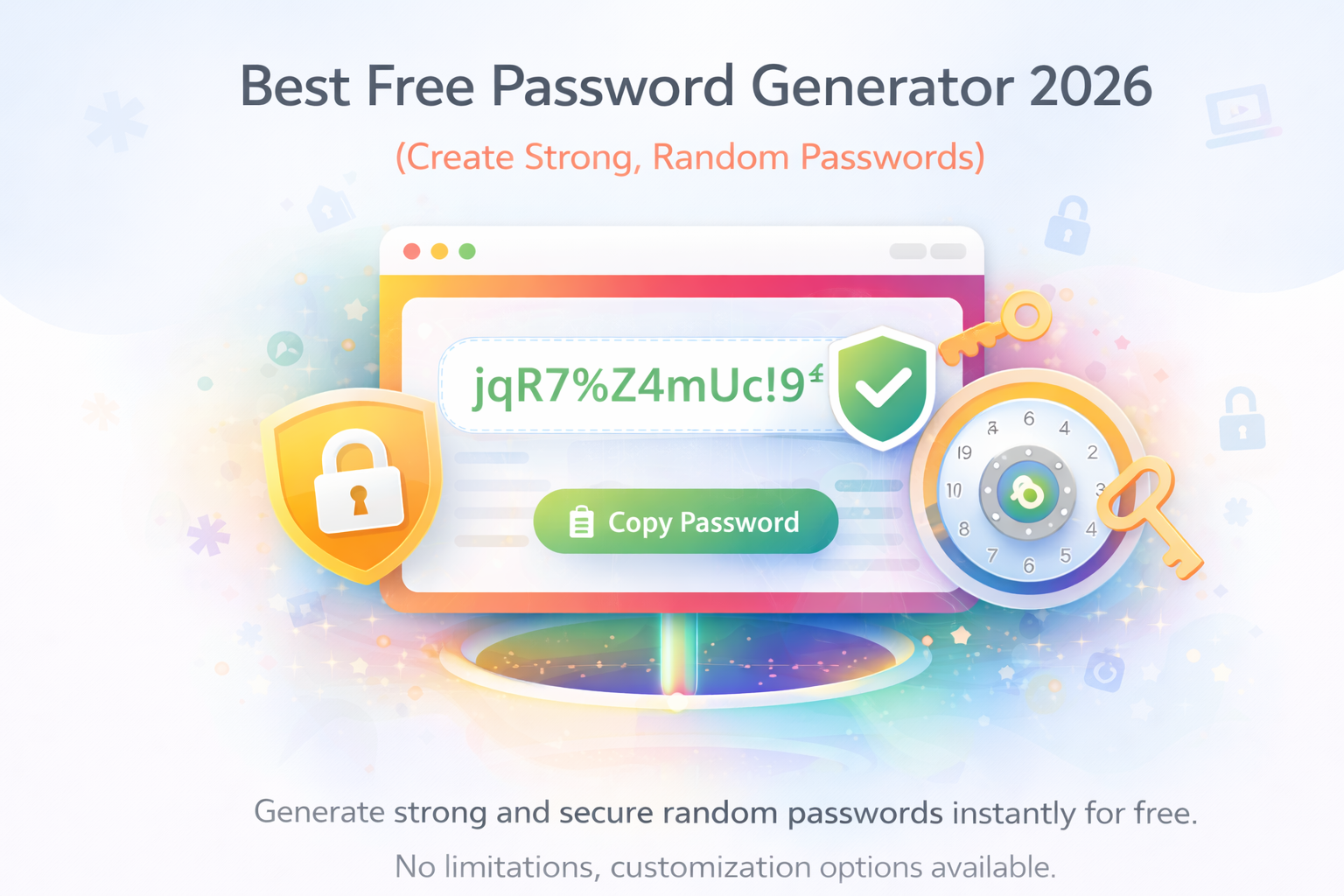
There's no signup. You don't give them your email, you don't create an account, you don't go through any verification. You just open the page and use it. This matters more than it sounds because the whole point of a password tool is simplicity - if it requires you to jump through hoops first, people just won't bother.
It's completely free with no hidden limits. Some tools give you a few free generations and then hit you with a paywall. Skarry doesn't do that.
The customization is exactly right. You can set the length - I usually go 16 to 20 characters - and toggle uppercase, lowercase, numbers, and symbols. That's all I need. Some tools have so many options that you end up confused about what you're actually generating.
The copy button works. This sounds stupidly basic but I've used tools where the copy function was buggy on mobile or required an extra tap. When you're creating a new account on your phone and you need to paste the password quickly, a broken copy button is genuinely frustrating.
And it loads fast. No bloated UI, no ads covering the interface, no pop-ups asking you to subscribe to a newsletter.
My actual process is this: when I'm creating any new account, I open Skarry.com in another tab, generate a 16 or 20 character password with everything ticked, copy it, paste it into the new account, and immediately save it in my password manager. The whole thing takes about 10 seconds and I do it without thinking now.
The Habits That Actually Make It Work Long-Term
Generating a strong password is step one. The step most people skip is what comes next - actually storing it somewhere you can access it.
If you generate a random 18-character password and don't save it immediately, you will forget it. Then you'll have to reset the account, which is annoying, and you'll end up setting a simpler password just to avoid the hassle again. The habit only works if the storage piece is also sorted.
I use Bitwarden. The free version is genuinely excellent - there's no reason to pay for a password manager when you're just starting out. It's available on Android, iOS, and as a browser extension. Once it's set up, saving a new password takes two seconds.
A funny thing happened with my cousin when he first started using a password generator. He generated a strong password for a new account, got distracted by something on his phone, closed the tab, and lost the password before saving it. Had to reset the account immediately. Now he has a personal rule: copy the password, save it in Bitwarden, then proceed. He doesn't do anything else in between. That sequence is now muscle memory for him.
Beyond the generator and the manager, a few other habits have genuinely helped:
Two-factor authentication is non-negotiable for me now. Gmail, bank apps, Instagram - anything important has 2FA turned on. Even if someone somehow got my password, they'd still need my phone to get in. This is probably the single highest-impact security habit you can build.
For banking and email accounts specifically, I use 20-character passwords. These are the accounts where a breach would cause the most damage, so they get the longest, most complex passwords I generate.
I change important passwords every three or four months. Not because I think they've been compromised, but just as a regular hygiene habit. It means that even if a breach happened somewhere and I didn't know about it, the window of vulnerability is limited.
Setting This Up for People Around Me
Once I got comfortable with the habit myself, I started helping people around me do the same. Not in a preachy way - just when the topic came up or when someone mentioned something sketchy happening with their account.
My sister runs a small clothing business online. She's on Instagram for marketing, Meesho for orders, and uses her bank account and UPI constantly. She was using the same password for all three. I spent about 20 minutes with her one evening - showed her Skarry, helped her generate passwords for each account, set up Bitwarden on her phone, and enabled 2FA on Instagram. She messages me occasionally when she has a question but mostly she handles it herself now.
My uncle has a kirana store and uses UPI for almost every transaction. He's 58 and not very comfortable with technology, but he's also smart enough to know that his money is at risk if his account gets compromised. I kept it very simple for him - showed him one thing at a time, didn't overwhelm him with options. He now has proper passwords on his banking apps and UPI account. That's all he needed.
My college-going cousin had 12 different accounts - college portal, multiple email addresses, streaming apps, UPI, Instagram, the works- all running on one password that included his name and his birth year. We fixed that over one afternoon.
None of these people are particularly tech-savvy. That's really the point I keep coming back to. If the tool is simple enough and the habit is small enough, almost anyone can do it.
The Question Everyone Asks
Whenever I recommend an online password generator, someone always asks: "But isn't it risky to use a website for this? What if they're storing your passwords?"
It's a completely fair concern and worth addressing properly.
Skarry's generator doesn't send your password anywhere. The generation happens locally in your browser - meaning the password is created on your device using JavaScript, and nothing gets transmitted to any server. You can verify this yourself if you're technically inclined: open your browser's network tab while using the tool and watch what happens when you click generate. Nothing goes out.
This is different from, say, a tool that sends your inputs to a server and returns a result. Password generators that work locally are fundamentally safe in this regard because there's simply nothing to intercept or store.
Where I Am Now
It's been almost a year since that Delhi login attempt scared me straight. My password habits are completely different now. Every account has a unique, randomly generated password. The important ones are 20 characters. Everything is saved in Bitwarden. 2FA is on wherever it's available.
Do I think about it much anymore? Honestly, no. That's the thing about building a habit - once it's automatic, it stops feeling like effort. Creating a new account, generating a password, saving it - it's just part of the process now, like filling in your email address or choosing a username.
I wish I'd started earlier. Eight years of "Ahmedabad123" across multiple accounts is not a comfortable thing to look back on. But here we are.
If you're still using the same password you set up years ago, or the same password across multiple accounts, or something that includes your name or city or birth year - this is your Delhi login attempt notification. Take it seriously before the real one shows up.
Skarry.com, password generator, 10 seconds. That's all it takes to start.
Popular Tools
Recent Posts