Case Converter Tool: Fix Your Text Case in Seconds
The Day I Got Tired of Fixing Capital Letters
Arre yaar, let me tell you what happened to me two months back. I was writing an important email to a client for my friend’s small business. The content was good, but I had typed everything in a hurry on my phone. Some sentences started with small letters, some words were in ALL CAPS because I had accidentally turned on caps lock, and the whole thing looked messy. I spent almost 15 minutes manually fixing every single line – changing capitals, making proper sentences. By the end I was so frustrated.
That same evening I remembered there are tools for this. I searched and landed on Skarry’s Case Converter. I pasted the whole messy paragraph, clicked one button, and boom – it became perfect Title Case in one second. I was like “why didn’t I know about this earlier?”
Since that day, I use this tool almost daily. Whether I’m writing blog posts, WhatsApp messages for business, Instagram captions, or college assignments, this little tool has saved me so much time and headache.
What is a Case Converter and Why Do We Need It?
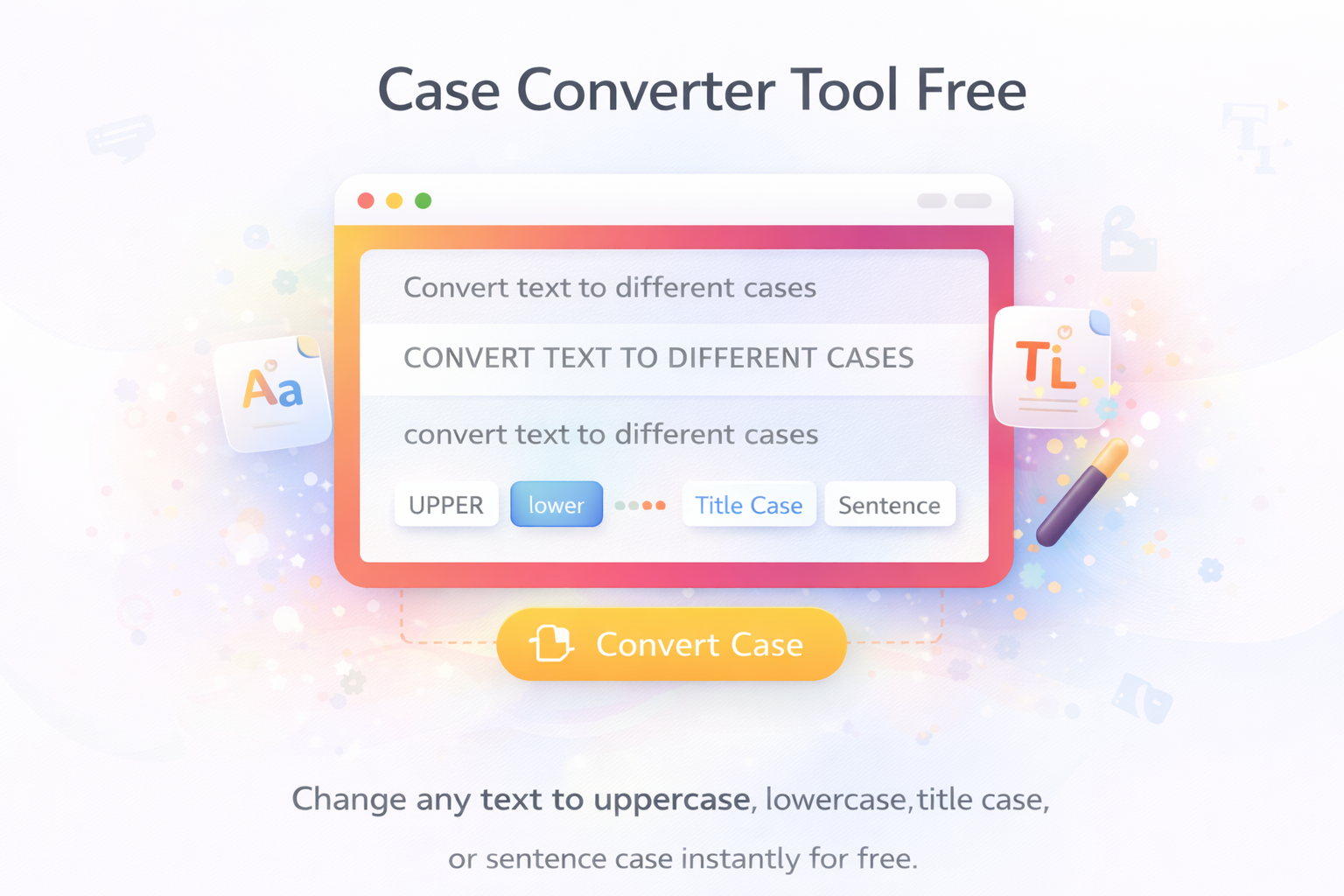
Simply put, a case converter changes the way your text looks – like turning everything into CAPITAL LETTERS, small letters, Title Case (where every word starts with capital), or proper Sentence case.
In daily life we face this problem all the time:
- You copy something from WhatsApp and it comes with wrong capitals
- You write in hurry and forget to press shift key
- You want to make a strong heading for Instagram or Facebook but don’t want to type everything in caps manually
- Teachers or students need proper formatting for assignments
- Writers want consistent style across long documents
In 2026, when we are writing on phones more than laptops, these small mistakes happen even more. Fixing them manually is boring and time-consuming. That’s why a good case converter has become really useful for normal people like us.
Who Actually Uses This Tool?
I’ve seen so many different people using it:
- Students who are typing assignments late at night
- Bloggers and content writers who need clean headings
- Small business owners writing product descriptions or customer messages
- Instagram and Facebook users making attractive captions
- Office people preparing professional emails and reports
- Even my mom who sometimes helps in my sister’s online business – she uses it to make polite messages
Last week my younger cousin was preparing his board exam project. He had copied a lot of content from different places and the capitalisation was all over the place. I showed him this tool and he finished the formatting in minutes.
Why I Prefer Skarry’s Case Converter
I have tried many case converters online. Some are slow, some have too many ads, some don’t have all the options I need. Skarry’s one is simple and does exactly what I want.
What I like about it:
- It’s totally free, no signup, no email nonsense
- Four main options: UPPERCASE, lowercase, Title Case, Sentence case
- Works super fast even on my old Android phone with Jio network
- Clean page with big buttons – easy to use
- I can paste long text and it handles everything smoothly
- No watermarks or weird extra stuff
It feels like it was made for normal people who just want their text fixed quickly without any drama.
How I Actually Use It Step by Step
Let me tell you exactly what I do every time.
- I write or copy the text that needs fixing (could be a caption, email, heading, or full paragraph).
- I go to Skarry.com and open the Case Converter page.
- I paste the text in the big box.
- I choose the type I want – most of the time I use “Title Case” for headings or “Sentence case” for normal paragraphs.
- I click the button.
- The corrected text appears below instantly.
- I click copy and paste it wherever I need.
The whole thing takes less than 10 seconds. When I have to fix multiple headings for a blog post, I do them one by one or paste everything together.
Sometimes if I want all capital letters for a strong announcement on WhatsApp, I just choose UPPERCASE and it’s done.
My Personal Tips That Actually Help
After using this tool for many weeks, here are some things I learned:
- For Instagram and Facebook captions, Title Case looks much cleaner and professional.
- For normal emails or messages, Sentence case feels more natural and polite.
- If I’m making a heading for YouTube or blog, I use Title Case but remove small words like “the”, “and”, “of” if needed to make it shorter.
- When copying from PDF or old documents, the text often comes messed up – this tool fixes it in one go.
- I always read the converted text once before using it, just to make sure it sounds right.
- For Gujarati mixed with English, I usually convert the English part first and then adjust.
These small habits have made my writing look much better without spending extra effort.
Real Stories From My Daily Life
Let me share a few actual situations.
My sister runs a small beauty products page on Instagram. She used to struggle with caption writing because her English is average. Now she writes normally and then uses the case converter to make it look neat. Her engagement has improved because the captions look professional.
Another time, I was helping a local photocopy shop owner make price list for his new services. The text was all jumbled with wrong capitals. We used the tool and made a clean list in Title Case. He printed it and customers said it looked much better than before.
Even for my own blog posts, when I write long articles, I first type freely and then run the headings through the case converter. It saves me from silly mistakes.
Common Problems and How I Fix Them
Sometimes small issues happen:
- The converted text still doesn’t look perfect → I just click the button again or choose a different case.
- Long text takes a second longer → I break it into smaller parts.
- On very slow internet it feels laggy → I switch to desktop site mode in Chrome and it becomes faster.
- I accidentally chose the wrong case → No problem, I can convert it again instantly.
These things are minor and get solved very quickly.
Is This Tool Safe to Use?
Yes, it is completely safe. Skarry doesn’t ask for your email or personal information. It doesn’t save your text. You can use it for personal writing, business work, or studies without any worry.
Why Free Tools Like This Still Matter
In 2026 everything is becoming fast and digital. We write so much every day – messages, posts, emails, assignments. Small mistakes in capitalisation make our writing look unprofessional. Paid software is expensive for normal people. That’s why a simple free tool like Skarry’s Case Converter is so useful for students, small business owners, and everyday users in places like Ahmedabad.
Final Thoughts
Fixing text case manually is one of those boring tasks that waste your time. Once you start using a good case converter, you’ll wonder how you managed without it. It makes your writing look cleaner, more professional, and saves you from frustration.
Whether you write captions, emails, blog posts, or assignments, this tool can become your little helper.
Why don’t you try it right now?
Go to Skarry.com, open the Case Converter tool, paste any messy text you have, and see the magic. You’ll be surprised how easy and useful it is.
Popular Tools
Recent Posts