How to Convert Image to Base64: Easy Free Method
Why I Started Using an Image to Base64 Converter
Hey friends, let me tell you what happened last week in real life. I was sitting at my small desk in Ahmedabad helping my cousin who runs a mobile repair shop in Maninagar. He wanted a simple one-page website where customers could see before-and-after photos of repaired phones. I had all the pictures ready on my laptop – clear shots of cracked screens fixed, battery changes, everything. But when I tried to add the images normally the page became very slow. Customers on normal 4G would have to wait forever for the photos to load. Someone in a WhatsApp developer group I am part of told me, “bhai, just convert the images to Base64 code and paste them directly.” I had heard the name before but never tried it. I searched online, tried a few tools, and finally found one that actually worked without any drama. That single day changed how I make small websites forever.
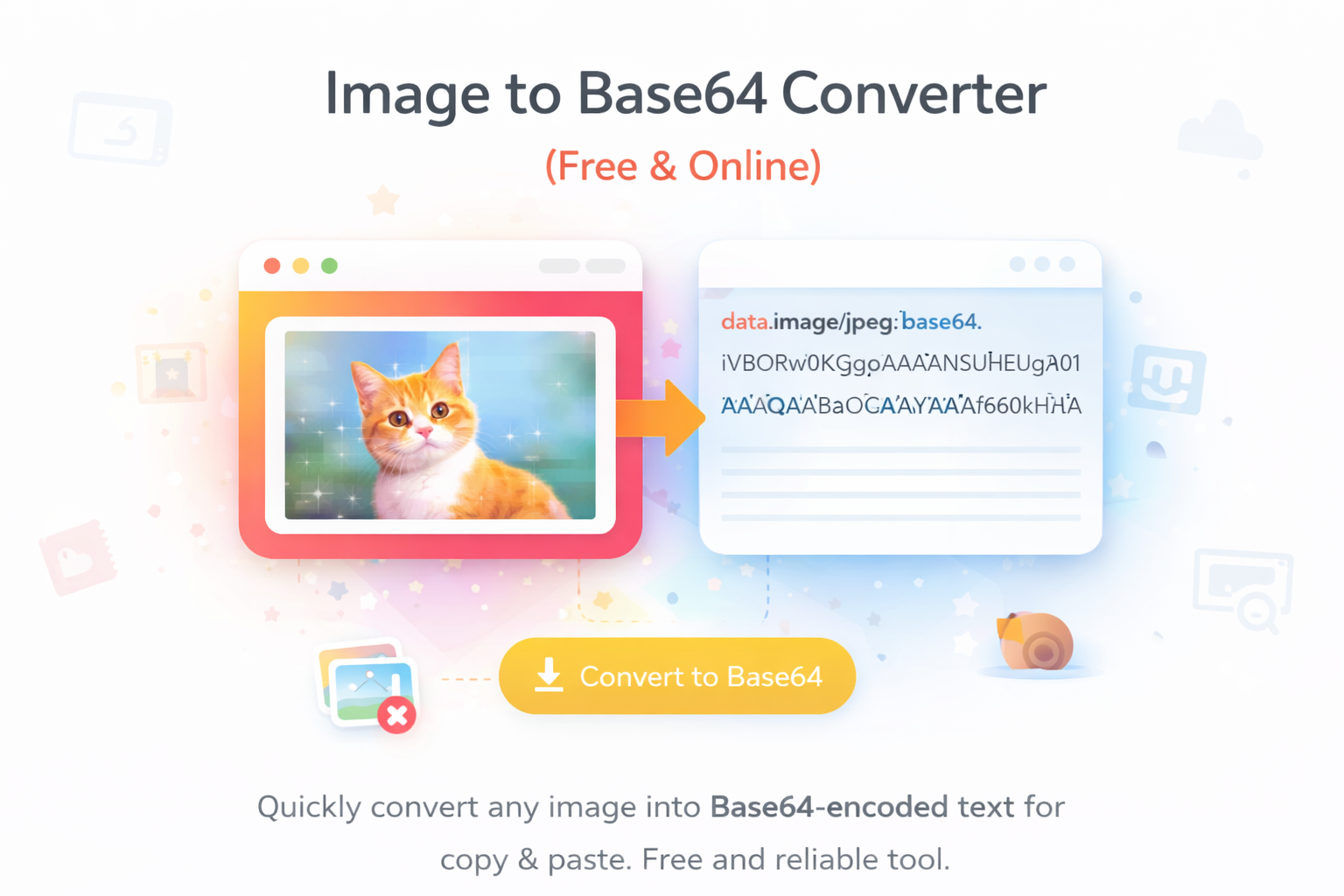
In 2026 almost everyone is trying to make something digital. College students are building project websites, small shop owners want quick online catalogues, freelancers are sending HTML emails, and even normal people like us are creating simple pages for family functions or society notices. Normal image files make everything heavy. Base64 is a smart trick – it turns the whole picture into plain text code that you can copy and paste directly inside your HTML or CSS file. No need to upload separate image files, no extra server load, no slow loading. It sounds a bit technical when you hear it first time, but trust me, once you do it two-three times it becomes as easy as copying text from WhatsApp.
I used to waste so much time before. I would upload images to free hosting sites, then copy the links, then the links would break after some days. Sometimes the hosting site would show ads or block the images. After I started using Base64 my small projects finish in half the time. Now I use this converter almost every week for different things. It has become one of my favourite free tools on Skarry.com.
Who Actually Needs This Tool in Daily Life
You will be surprised how many normal people around us in Ahmedabad and Gujarat are using this now. College students in LD College or Nirma University use it when they make their final year project websites. Small business owners like my cousin who sell mobile accessories or handmade products need simple web pages that load fast on customer phones. Freelancers who design email newsletters for local shops use it so the images appear directly inside the email without any attachment issues. YouTube creators who write long descriptions or pinned comments sometimes add small images using Base64. Even school teachers and tuition classes create simple HTML pages for online notes.
Let me give you more real examples from my own circle. My neighbour’s son is in final year engineering. He used Base64 for his entire project dashboard because the college server was slow. My sister who sells handmade jewellery from home uses it when she sends product photos inside email offers to her regular customers. She says the emails now open faster and look more professional. One of my friends who runs a small tiffin service made a simple order page using Base64 images so customers can see the food photos instantly. Even I used it last month when I helped my society make a digital notice board for Ganesh Chaturthi celebrations. In 2026 when everyone has a smartphone and wants quick digital things, this tool has become super useful for students, small business people, and anyone who does not want to spend money on fancy web hosting.
Why Skarry’s Image to Base64 Converter is My Favourite
I have tested more than twelve different converters this year – some free, some paid, some full of ads. Most of them were slow, gave wrong code, or asked me to sign up with email. Skarry’s Image to Base64 Converter is the one I now use every single time. Here is why it feels different and better:
- It is 100% free with no hidden limits
- No signup, no email, no login required
- Gives clean, correct Base64 code in just 2-3 seconds
- Works fast even on normal Jio or Airtel 4G in Ahmedabad
- Supports JPG, PNG, WebP and all common image formats
- Shows a clear preview of the image so I can confirm it is the right one
- Simple clean page with no annoying pop-up ads
- You can copy the code with one click
It feels like it was made for normal people like us who are not professional developers but still need to get small jobs done quickly and correctly.
Step-by-Step: How I Convert Any Image to Base64
Let me explain the whole process exactly how I do it every time. It is so easy that my younger brother who is in 10th standard learned it in one single try.
- First I open the photo I want to convert on my phone or laptop. I make sure the image is not too big – if it is, I resize it first using Skarry’s resizer tool.
- I go to Skarry.com and open the Image to Base64 Converter page.
- I click the big upload button and select my image from the gallery or files.
- In just 2-3 seconds the tool shows the image preview at the top and the full Base64 code below it.
- I click the “Copy Code” button – it copies everything automatically.
- I paste that code wherever I need it – inside HTML file, CSS, email template, or even in Google Docs for some projects.
That is the complete process. Whole thing takes less than 20 seconds once you get used to it.
My Personal Tips After Using It for Months
I have converted more than 300 images in the last few months. Here are all the small practical tricks I learned the hard way:
- For logos or icons that need transparent background I always use PNG format.
- For normal photos I use JPG because the Base64 code becomes shorter and cleaner.
- Always check the preview image before copying the code – one wrong photo can waste your time.
- If the code looks very very long, that means the image is big. I resize it first to under 100 KB.
- I keep a simple text file on my laptop called “My Base64 Images 2026” so I can reuse the same code later without converting again.
- When I am making a page with many small images I convert all of them together in one sitting.
- For email signatures or newsletters I keep each image under 50 KB so the email loads fast on mobile.
- If I am working on a project with my friends I convert the images and share the code directly on WhatsApp group – no need to send separate photo files.
Real Life Ways I Use This Tool Every Week
This tool has become part of my normal routine now. I use it when I make simple websites for friends’ shops in Ahmedabad. I add product photos directly in HTML emails for my sister’s jewellery business so customers see the images instantly. I help college students put photos in their project reports without uploading extra files. I created a small WhatsApp business catalogue page that opens in browser using Base64. Sometimes I even use it for fun things like making digital greeting cards with family photos inside HTML code that I send on festivals.
One of my friends used it to create a small “Thank You” page for his clients with his shop logo and photos. Another friend who teaches computer classes uses Base64 images in his online notes so students can see examples without downloading anything. The possibilities are more than you think once you start using it regularly.
Common Problems and Easy Fixes I Learned
Sometimes small issues come but they are easy to fix if you know the tricks:
- Code looks broken or does not show image → I make sure I copied the full code starting with “data:image/…” part.
- Image preview is missing or tool is slow → I resize the photo first because very big files take time.
- Code is too long for my project → I reduce image size or quality a little before converting.
- Tool feels slow on mobile data → I open Chrome, click “Request desktop site”, and it becomes fast again.
- I accidentally closed the page before copying → I just upload the same image again because the tool is fast.
Is It Safe and Good for Daily Use?
I always check safety first before using any new tool regularly. Skarry does not ask for my email, phone number, or any personal details. It does not save or store your images after you copy the code. I have been using it for many months now and never faced any problem. For personal projects, small business work, college assignments, or any normal use it is completely safe and private.
Why Free Tools Like This Still Matter in 2026
Everything online is becoming paid these days. Web hosting charges money, premium code editors cost monthly fees, even some image tools want you to buy pro version. That is why I really love Skarry’s tools. They are free, simple, fast, and made for normal people in cities like Ahmedabad who are trying to build small things online without spending extra rupees every month. In 2026 when everyone wants to be digital, these free utilities help us a lot.
Final Thoughts
Converting image to Base64 looks like a small technical trick at first, but once you start using it you will see how much time and headache it saves. Your web pages load faster, your emails look cleaner, your college projects become easier, and you do not have to worry about separate image files or slow hosting anymore. It is one of those small skills that makes you feel smart and fast.
Why don’t you try it right now? It costs zero rupees and takes only a few seconds.
Just go to Skarry.com, open the Image to Base64 Converter page, upload any photo from your phone and copy the code. You will be surprised how easy and useful it is.
Popular Tools
Recent Posts