

JavaScript Minifier: How to Make Your Code Faster and Smaller Free
You know what really used to annoy me a lot? I would spend hours writing clean JavaScript code, adding comments, making sure everything looked nice and readable, and then when I finally put the site live, it would feel slow on my phone. A few months ago I made a simple EMI calculator for my cousin who sells bikes on installments. Nothing fancy, just some basic calculations. But the JavaScript file ended up being 187 KB. On my normal Jio connection the page took almost 4 seconds to load. That felt way too much for such a small tool.
That day I got fed up and started looking for ways to make my JavaScript files smaller. That’s when I discovered minifiers. After trying a few different ones, Skarry’s JavaScript Minifier is the one I use almost every time now.
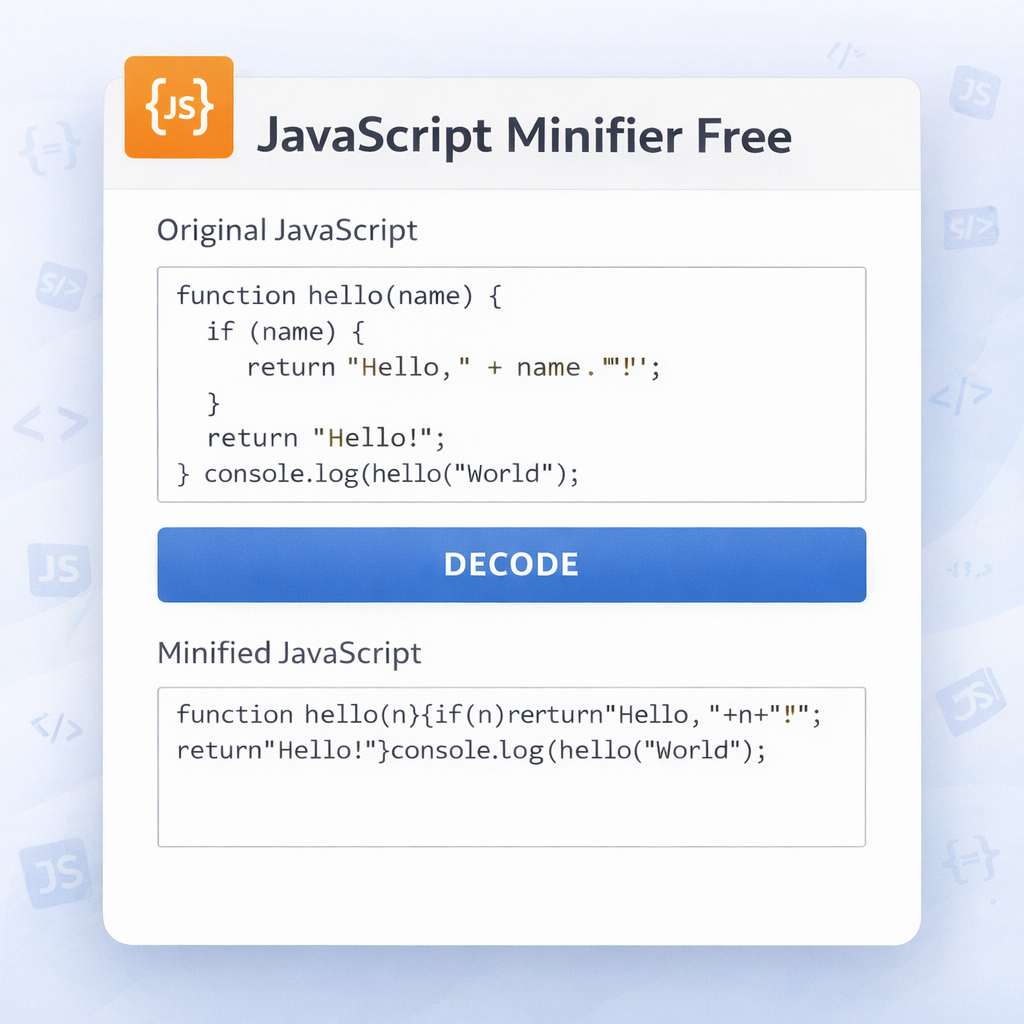
In simple words, minifying JavaScript means taking your normal code and removing everything the browser doesn’t actually need — all the extra spaces, line breaks, comments, and long variable names — and turning it into the smallest possible file that still works exactly the same. The code looks like a complete mess afterwards, but the browser doesn’t care. It just loads faster because the file is much lighter.
I used to think this was something only big companies with fancy tools worried about. But after seeing the difference on my own small projects, I realised even someone like me who makes simple tools for local businesses can benefit a lot.
The First Time It Really Hit Me
I still remember the first time I tried it. I took that 187 KB calculator file and pasted it into Skarry’s minifier. When the result came back, it was only 61 KB. I thought “there’s no way this is still going to work properly.” I was nervous when I uploaded it. But the page that used to take 4 seconds to load now opened in less than a second on my phone. The calculator still worked exactly the same. That moment made me realise how useful this simple step is.
Since then, minifying has become a habit for me. I write readable code while I’m building the project. When I’m ready to publish, I run the final file through the minifier. It’s a small step, but it makes the whole site feel much snappier.
What Actually Gets Removed
When you run a minifier, it removes all the extra spaces and line breaks that make the code easy for us to read. It takes out comments because the browser doesn’t need them. Sometimes it shortens variable and function names to make the file even smaller. The end result looks like someone smashed the code with a hammer, but the browser understands it perfectly and runs it the same way.
The first time I saw the minified code, it looked horrible. Everything was stuck together. I thought there was no chance it would still work. But after testing it a few times, I stopped worrying. As long as the original code is correct, the minified version behaves the same.
How I Use Skarry’s Minifier in Real Life
The tool is very easy to use. You go to Skarry.com, open the JavaScript Minifier page, paste your code in the input box, and click the Minify button. In a second or two you get the smaller version. It also shows you the original size and the new size so you can see exactly how much you saved.
I usually keep both versions. The readable one stays on my computer for when I need to make changes later. The minified one goes live on the website.
I’ve used it on all kinds of small projects — form validations, calculators, simple animations, even a little quiz tool for my nephew’s school project. Every time the functionality stayed the same, but the loading time improved.
Real Examples From My Own Work
Let me tell you about a couple of actual cases.
First one: I made an EMI calculator for my friend who sells bikes on installments. The original JavaScript file was 94 KB. After minifying with Skarry’s tool, it came down to 28 KB. The calculator still worked perfectly, but the page loaded noticeably faster on mobile. My friend was happy because customers stopped complaining about slowness.
Second example: I built a small quiz for a college project. The script had a lot of questions and scoring logic. Original size was 156 KB. After minification it became 47 KB. The quiz ran smoother and the students didn’t have to wait long for it to load.
These small savings really add up when you have multiple JavaScript files on the same site.
Tips I’ve Learned After Using It for Months
Here are some things I do now whenever I minify code:
I always keep the original readable file saved separately. Minified code is almost impossible to debug if something goes wrong later.
I only minify when I’m ready to publish the site. During development I keep the code clean with comments and proper spacing.
If I have several JavaScript files, I sometimes combine them first and then minify the combined file for even better results.
I check the size reduction. If the file doesn’t shrink much, it might mean the code is already quite optimized.
I always test the minified version properly before making it live. Better to catch any issue early than after users start complaining.
For bigger projects, I run the minifier after bundling everything together.
I also realised that minification works best when your code is already written cleanly. If there is a lot of repeated or unnecessary code, cleaning it first gives even better results than just minifying.
When You Should Definitely Minify
From my experience, I minify in these situations:
- Before launching or updating any live website
- When any JavaScript file is larger than 50 KB
- When users complain about slow loading, especially on mobile
- For any public tool, calculator, or interactive feature
- When I want to improve PageSpeed or Lighthouse scores
For very tiny scripts under 5-10 KB, the benefit is smaller, but I still minify them out of habit now.
Common Worries People Have
Some people are scared that minification will break their code. In my experience, if the original code is correct, the minified version works fine. The tool is careful with things like strings and regular expressions.
Another worry is that the code becomes unreadable. Yes, it does, but that’s okay because the minified version is only for the browser. I keep the original version for any future changes.
Some think minification is only for big companies. That’s not true. Even small personal blogs or local business websites can benefit from faster loading times.
Why a Free Tool Like Skarry’s Is Still Great
There are many minification tools out there. Some require complicated setup, some want you to pay, some push upgrades. Skarry’s version is completely free, works instantly in the browser, and gives good compression without any hassle. For most small and medium projects, that’s exactly what you need.
In 2026, when people expect websites to load quickly even on mobile data, every kilobyte you save matters. A free, reliable minifier helps you deliver better performance without spending money.
My Honest Take
I used to think minification was an advanced topic. Now I see it as a simple, practical habit that improves the experience for everyone. The difference between a 180 KB file and a 60 KB file is something users can actually feel, especially on slower connections.
Skarry’s JavaScript Minifier has become part of my regular workflow. I write clean code while building, and when I’m ready to go live, I run it through the minifier.
If you build websites or web tools — even small ones — I really suggest you give this tool a try. Go to Skarry.com, open the JavaScript Minifier, paste your code, and see how much smaller it becomes.
You might be surprised how much faster your pages feel after minifying. And the best part? It costs nothing and takes almost no time.
Next time you finish a JavaScript feature and are about to upload it, run it through the minifier first. Your users will thank you, even if they don’t know why the site feels snappier.
Popular Tools
Recent Posts


.png)
