

Sales Tax Calculator: How to Calculate Tax Easily and Accurately Free
Sales Tax Calculator: How to Calculate Tax Easily and Accurately Free
You know that moment when the shopkeeper says “total is $520” but you were expecting something around $450? That happened to me last month when I went to buy a new washing machine. I stood there looking at the bill, trying to figure out how much extra was added as tax. I felt a little silly because I couldn’t calculate it quickly in my head. That day I decided I needed a better way.
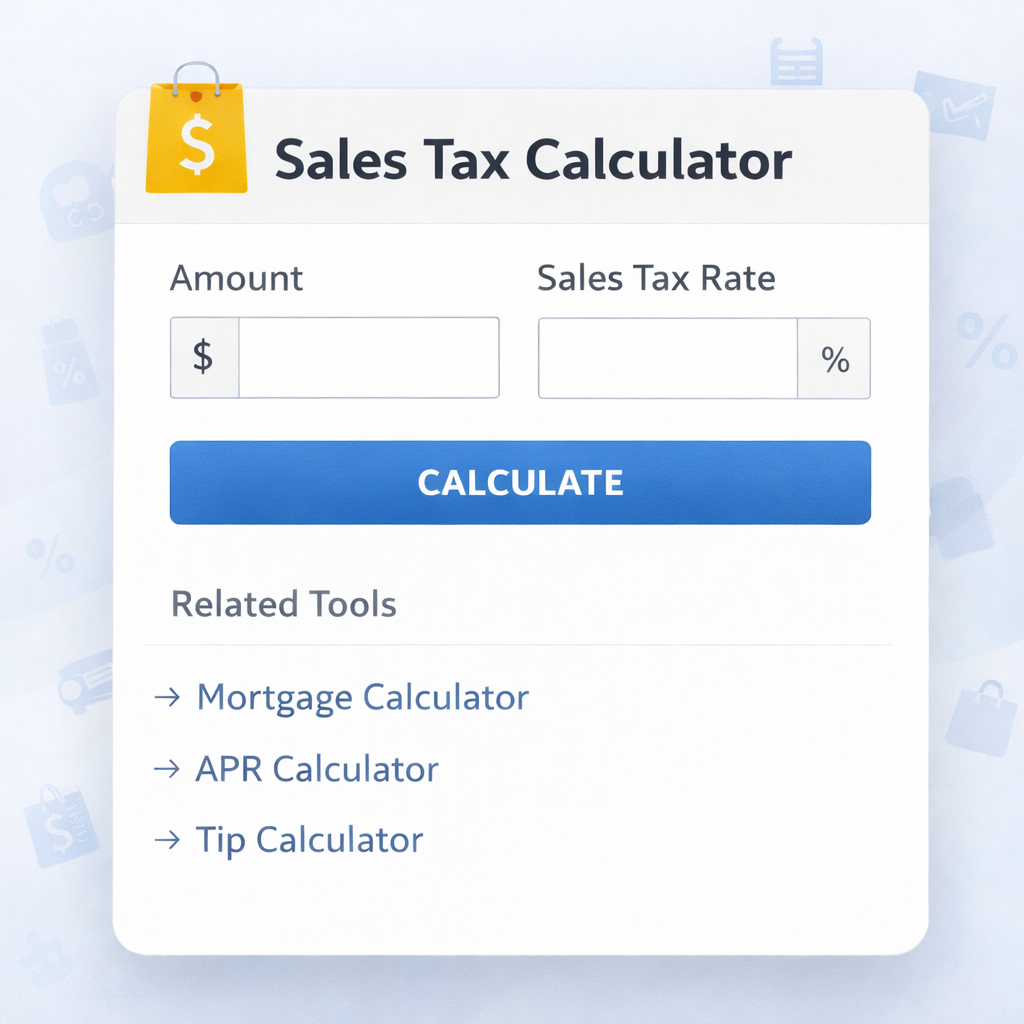
Since then, I’ve been using Skarry’s Sales Tax Calculator almost every time I buy something bigger than usual. It’s free, it’s fast, and it takes away all the confusion. I just enter the price and the tax rate, and it tells me exactly how much tax I’m paying and what the final amount should be. No more guessing, no more awkward moments at the counter.
Sales tax is that extra money added on top of the original price of anything you buy. The government collects it to run things like roads, schools, and hospitals. In many places it’s called GST now, but the basic idea is the same — you pay a percentage more than the listed price.
The problem is that different things have different tax rates. A packet of biscuits might have very low tax, while a smartphone or air conditioner can have 18% or even 28%. When you buy several things together, or when the shop adds tax after discount, it gets messy. That’s where this calculator becomes really helpful.
How I Use It in Real Life
Whenever I go shopping for something expensive, I open the calculator on my phone before finalizing the bill. Last week I was looking at a new laptop. The shop showed $920 as the price. I quickly put $920 and 18% tax rate into Skarry’s tool. It showed tax of $165.60 and final price of $1,085.60. The shopkeeper’s bill matched, so I felt comfortable paying.
My wife does the same when she buys clothes or kitchen items online. She sends me the final amount and I check how much is actual tax. Sometimes we realise the tax is higher than usual and we decide to look for another option.
For small shopkeepers, this tool is even more useful. My neighbour runs a mobile accessories shop. He uses the calculator every day to make bills. He enters the cost, adds his margin, then adds the correct GST rate. It helps him stay fair with customers and avoids mistakes that could cost him money or create arguments later.
Even my nephew, who is in college studying commerce, uses it for his assignments. He says it helps him understand the concept better than doing long calculations on paper.
How the Calculator Works
Using Skarry’s Sales Tax Calculator is very straightforward. You open the tool on Skarry.com. There are two simple ways to use it:
You can enter the original price (the amount before tax) and the tax percentage. The tool immediately shows you the tax amount and the total you have to pay.
Or, if you only know the final amount you paid and want to know how much was the original price and how much tax was added, you can enter the final amount and the tax rate. The calculator works backwards and gives you the breakup.
You can pick common tax rates like 5%, 12%, 18%, or 28% from a list, or type any custom rate if needed. It works for GST, old VAT, or any other sales tax system.
Let me give you a couple of real examples I calculated recently.
Example 1: I wanted to buy a pair of shoes listed at $65. Tax rate was 12%. The calculator showed tax = $7.80 Final price = $72.80
Example 2: I paid $236 for a dinner set. I wanted to know the price before tax. Assuming 18% tax, the tool told me the original price was $200 and tax was $36.
It takes literally 5-10 seconds once you get used to it.
Practical Tips I’ve Learned
After using this tool for several months, here are some things that actually help:
- Always check the tax rate for the particular item. Not everything has the same rate. Food items usually have lower tax than electronics.
- When shopping online, many websites show “price + taxes and charges”. I use the calculator to verify if the final amount looks reasonable.
- If you are a shop owner, keep the calculator open on your phone. It makes billing fast and accurate.
- When the final bill is already in front of you, use the backward calculation to find out the real price before tax.
- Double-check the numbers you enter. One wrong digit and the whole result changes.
- For multiple items with different tax rates, I calculate each one separately and then add them up.
I also noticed that sometimes shops add other charges (like delivery or convenience fee) under the name of tax. The calculator helps me separate the actual tax from other fees.
Common Mistakes People Make
I see these mistakes quite often:
- Assuming the displayed price already includes tax when it doesn’t.
- Adding tax on the discounted price incorrectly.
- Getting confused between different tax rates.
- Not checking the final bill carefully and overpaying without realising.
- Shopkeepers sometimes adding extra charges and calling it tax.
Having a calculator in your pocket removes most of this confusion. You can verify the bill in seconds and ask questions if something doesn’t add up.
Why a Free Tool Like This Still Matters
These days almost every useful app wants you to pay monthly or watch ads. Skarry’s Sales Tax Calculator is completely free, works instantly, and doesn’t ask for your email or phone number. That simplicity is what makes it special for normal people like us.
For small shop owners who run businesses on tight margins, free tools like this are a big help. For students learning about tax, it makes the concept easy to understand. For daily shoppers like me, it gives confidence that we are paying the right amount.
My Honest Opinion
I genuinely feel more in control now when I pay bills. I don’t have to blindly trust the number shown on the screen. I can check it myself in a few seconds. It has saved me small amounts of money a few times when I noticed the tax was calculated higher than it should be.
If you also get confused with tax calculations or want to be sure before paying, I highly recommend trying Skarry’s Sales Tax Calculator. Go to Skarry.com, open the tool, enter any amount and tax rate, and see how easy it is.
You don’t need to be good at maths. You don’t need any special knowledge. Just type the numbers and let the tool do the work.
Next time you are about to buy something or make a bill, open this calculator first. It takes almost no time and gives you peace of mind that you know exactly what you are paying.
Popular Tools
Recent Posts
.png)
