

JSON Formatter Tool: How to Clean and Validate JSON Free
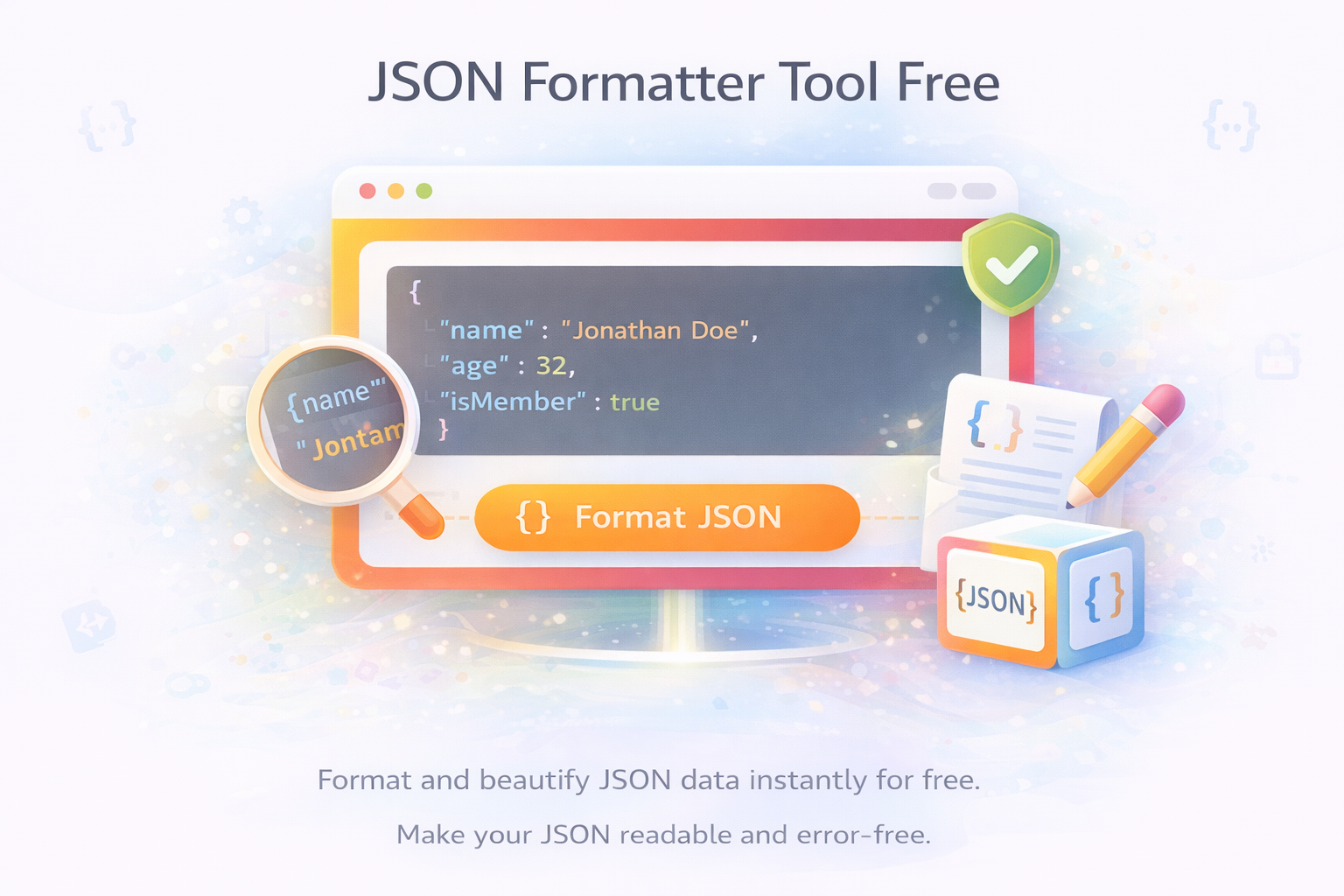
Have you, uh, ever tried to pull data from an API and you get back this massive, never-ending line of text that's like someone just mashed their entire keyboard into one sentence? I mean, yeah, that feeling, right? No spaces, no line breaks, pure chaos. I’ve been there, like, so many times I lost track. Just sitting there, staring at the screen, slowly scrolling, trying to find that one annoying comma or missing quote that just broke everything. It's, like, exhausting, seriously.
So that’s exactly why, honestly, I kinda started using this JSON formatter almost every single day now. It takes that horrible mess and spreads it out so your brain can finally make sense of it. All of a sudden you can see the objects, arrays, nesting levels — everything just clicks into place. It’s not some fancy AI magic, just a simple tool that does its job really well, and honestly, it’s saved me more hours than I can remember.
JSON is supposed to be simple, it's just a way to package info — keys, values, lists in brackets, text in quotes, numbers, true or false, y'know, that kind of stuff. Most apps and websites use it ‘cause it’s light, fast, and almost every language out there just understands it without needing more complex libraries. The idea’s solid. The execution in real life? Not so clean, often, I’d say.
The biggest headache, honestly, comes when the data arrives all smushed together to save space. Devs call it minified JSON. It's awesome for speed when sending data over the internet but terrible for humans trying to read or fix it. A tiny mistake — a comma in the wrong place, a quote missing, a bracket without its partner — and the whole feature just stops working. Error messages coming from the code? Yeah, not very helpful either. They’re like, “invalid JSON” or “unexpected token” and leave you just guessing.
I still remember this one night last year. I was helping a friend build a tiny inventory dashboard for his shop. The backend was sending product details but nothing showed on the frontend, no matter what I tried. I spent, like, almost an hour scrolling through one super long line, counting brackets like a detective. It turned out to be just one trailing comma near the bottom. If I had formatted it first, I would've spotted it in seconds instead of wasting all that time.
Same problems keep coming back, honestly. After working with JSON for a bit, you see the same mistakes over and over. Trailing commas after the last item — people do it ‘cause it looks neat while typing, but parsers usually hate it. Forgetting to put double quotes around keys. Mixing single where double quotes should be. Special characters inside text that didn’t get escaped right with a backslash. And the deep nesting ones — objects inside arrays inside other objects. One missing closing bracket in the middle and good luck finding it without help.
The worst part is when JSON files are big. Like, hundreds of lines. Trying to fix it by hand becomes painful. You end up making more mistakes while trying to fix the first one. That's when a good formatter turns from optional to something you just automatically reach for.
So, like, what Skarry’s JSON Formatter feels like using day-to-day
Skarry’s tool isn’t anything fancy, and I actually like that. You open the page, paste your messy JSON in the box, or upload the file if you’ve got it saved, and just click the format button. A few seconds later, it comes back all clean and organized. The indentation makes the structure obvious. You can actually read it like normal English instead of trying to decode it.
It also checks if the JSON is valid while formatting. If there’s a problem, it usually tells you clearly enough — says there’s an extra comma on line 67 or a missing quote somewhere. You change it, hit format again, and see if the red flags are gone. There’s a minify button too, for when you need the super compact single line version for production or sending. I switch between readable and minified when I’m ready to use it.
What I appreciate is that it works right in the browser. My data doesn’t get sent anywhere unless I decide to copy it. That’s important to me, especially when working with real information.
How I use it every week
These days, if an API response looks even a bit suspicious, I paste it straight in the formatter. Most of the time I can see immediately what’s different from what I expected. A field I thought was there is nested deeper. Data type wrong. Something missing. The formatted view makes those things obvious.
When creating config files or test data, I format them before saving. It just makes life easier for anyone opening the file later — including me in a few months when I’ve forgotten what I was thinking.
When writing docs or explaining an API to someone else, I always show the formatted version. Raw JSON looks scary and intimidating to many. Cleaned up, it feels more approachable and professional.
Even if you’re not a full-time coder, if you deal with exported data from some tool or platform, running it through a formatter can quickly show you what’s broken or at least makes it readable enough to work with.
Students learning dev and APIs get a lot out of it. They take examples from tutorials, change a few values, and instantly check if their version is still valid. When their code throws an error, pasting the output in the formatter usually points them to the exact mistake instead of leaving them stuck for hours.
Small habits that saved me time
Over time, I’ve picked up small habits making JSON less painful. I try settling on one indentation style and sticking with it. Sometimes two spaces feel better for big files, sometimes four spaces make it easier to read on screen. That small consistency reduces confusion when others look at the files.
Before sending any JSON to a teammate or committing it, I run it through the formatter first. It catches silly mistakes I make when typing fast or half asleep.
When putting together docs or sharing examples, I always ensure to show the nicely formatted version. Raw text looks intimidating. Cleaned up, people actually read and understand faster.
For huge JSON files, I sometimes break them into smaller pieces while debugging, fix problems in each part, then piece them back together once everything looks good. It saves my eyes and keeps me from getting overwhelmed.
Why this tool still matters in 2026
JSON isn’t going anywhere soon. If anything, we use more of it every year as more services connect and more data moves online. Being able to clean it up quickly, read it properly, and check for problems isn’t a luxury anymore — it’s what stops small issues from becoming bigger headaches.
Skarry’s JSON Formatter does what I need without being too clever or complicated. No forced login, no annoying ads every two seconds, no features I’ll never use. Just paste your text, clean it up, fix what needs fixing, and get back to the work you were trying to do.
Whether you’re a student learning APIs, building side projects, or working on bigger systems at a company, having a reliable, free way to handle JSON makes the whole process feel less like fighting with the computer and more like actually getting stuff done.
Next time you find yourself staring at a giant ugly line of JSON and wondering why nothing works, give Skarry’s tool a try. It’s free, fast, and once you start using it regularly, you’ll probably wonder how you managed without it.
Just go to Skarry.com, open the JSON Formatter page, and throw whatever messy data you have at it. You might be surprised how much better you feel when the data finally starts making sense again.
Popular Tools
Recent Posts


.png)
